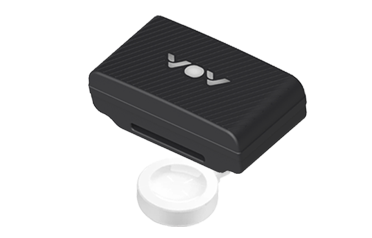
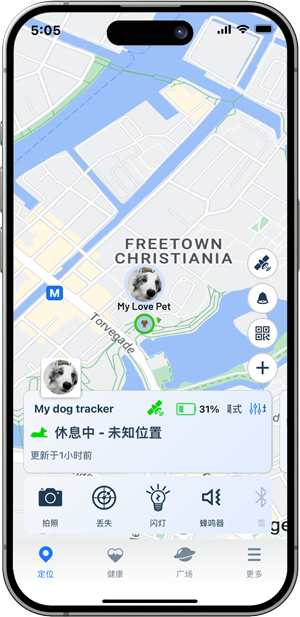
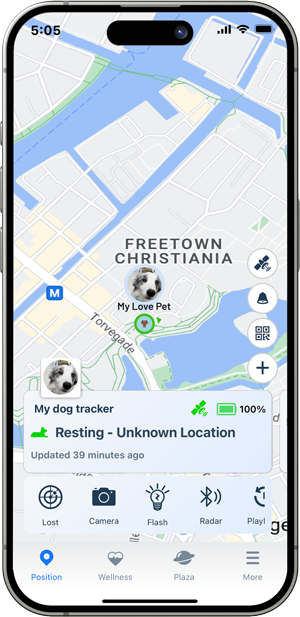
🔋 VOV Smart Care Pet Tracker is equipped with a large-capacity battery and utilizes multiple positioning methods to optimize power consumption. It supports wireless charging, and you can check the battery level in real time through the app. When the battery is low, you will receive a notification to recharge in time. Additionally, you can choose our extended battery version for even longer usage time.
💡 Wireless charging is supported to ensure better water resistance. Please follow the tips in this guide to maintain your device’s performance and durability.

VOV Pet Tracker supports wireless charging. To charge it, please follow these steps:
Use the included wireless charging dock that comes with the product.
Place the tracker flat on the center area of the charging dock, ensuring proper alignment.
Once aligned correctly, the tracker will automatically power on and begin charging. The indicator light will turn on to show that charging has started.
TIPS: You can tap the battery icon to view detailed information, including the current battery level and estimated usage time.⚠️ Only use the official charging pad provided with the product for optimal performance and safety.
🔋 A full charge typically takes 2–3 hours. During charging, the light will pulse softly. Once charging is complete, the light stays solid.
📢 The tracker will automatically power on when charging begins.

You can also check the light on the tracker to confirm its current battery status. Below is an explanation of the light status on the Tracker:
| LED Behavior | Status Description |
|---|---|
| 🔴 Solid Red | Battery empty |
| 🟠 Solid Orange | Charging in progress |
| 🟢 Solid Green | Fully charged |
Here’s a guide on how to extend the usage time of a tracker:
Work Mode: We offer Balanced Mode, Performance Mode, and Power-Saving Mode for you to choose from. You can select the most suitable mode based on your needs. In Power-Saving Mode, the standby time can last up to one month.
![]()
Adjust Work Mode: Use Power-Saving Mode to reduce the frequency of GPS updates.
Disable Unnecessary Features:Turn off additional features like Light if they are not needed.
The battery usage duration is affected by several factors, including the frequency of location updates, the type of network used, environmental conditions (temperature, signal strength), and the use of the tracker’s features, such as lights, sound, Bluetooth, etc.
Estimated Battery Life: You can tap the battery icon to view detailed information, including the current battery level and estimated usage time.
We recommend using the charger that comes with the Tracker to charge it, as it is specifically designed to ensure optimal charging performance and safety. Using a different charger may affect charging efficiency or potentially damage the device.
⚠️ Note: Charge the device in a dry, well-ventilated area, and avoid charging in humid or high-temperature environments to prevent damage to the device or battery.
If your device is not charging, there could be several reasons for this issue. Here are some common troubleshooting steps to help you resolve it: