This tutorial will guide you through setting up and using your Pet GPS Tracker, including live tracking, zone alerts, health monitoring, and more to keep your pet safe and connected.
VOV Smart Pet GPS Tracker goes beyond location tracking, it offers real-time tracking, activity tracking, health monitoring, and pet social community. Set virtual fences, get instant alerts, monitor your pet’s daily activity and wellness data, and even connect with nearby pet owners for events or meetups.
Earn virtual badges for milestones and join fun challenges to stay engaged. With long battery life and a user-friendly app, managing your pet’s safety and happiness has never been easier.
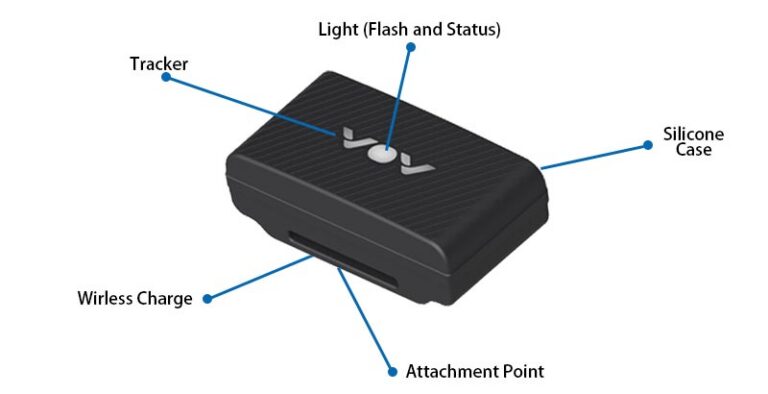
*For full technical specifications, please click here.
To Turn On:
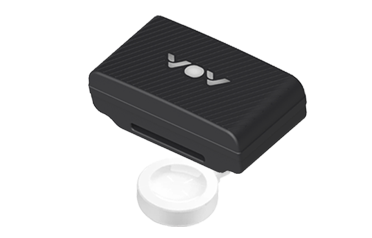
For first-time use, please place the tracker on a wireless charger connected to a power source. The device will power on automatically.
To Turn Off:
The tracker supports Flight Mode. When enabled, it stops location updates and network communication while keeping Bluetooth active only. 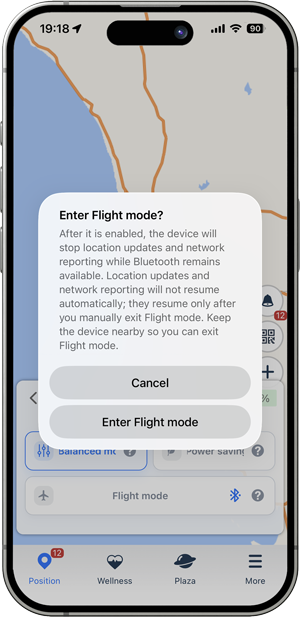
VOV Pet Tracker supports wireless charging. To charge it, please follow these steps:
Use the included wireless charging dock that comes with the product.
Place the tracker flat on the center area of the charging dock, ensuring proper alignment.
Once aligned correctly, the tracker will automatically power on and begin charging. The indicator light will turn on to show that charging has started.
⚠️ Only use the official charging pad provided with the product for optimal performance and safety.
🔋 A full charge typically takes 2–3 hours.During charging, the light will pulse softly. Once charging is complete, the light stays solid.
📢 The tracker will automatically power on when charging begins.
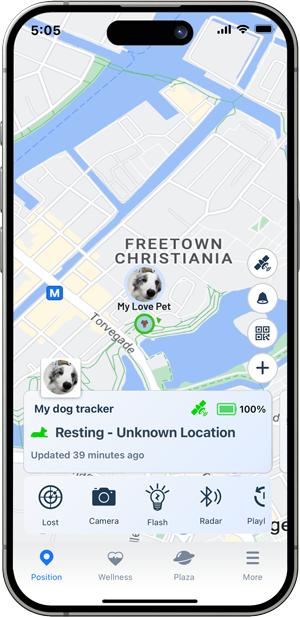
TIPS: You can tap the battery icon on the main page to set the working mode (Balanced mode, Power Saving mode, Performance mode, or Lost mode).
VOV Pet Tracker uses an LED indicator to show its current status. Here’s how to interpret the light signals:
| LED Behavior | Status Description |
|---|---|
| 🔴 Flash Red | Charging in progress |
| 🔴 Solid Red | Fully charged |
⚠️ Note: LED behavior may vary slightly depending on firmware version.
📖 Refer to the user manual or app for more detailed diagnostics.
TIPS: In the dark, you can turn on the light on your pet tracker to help you locate and keep an eye on your pet more easily. You can swipe up on the main page to access the flashlight settings.
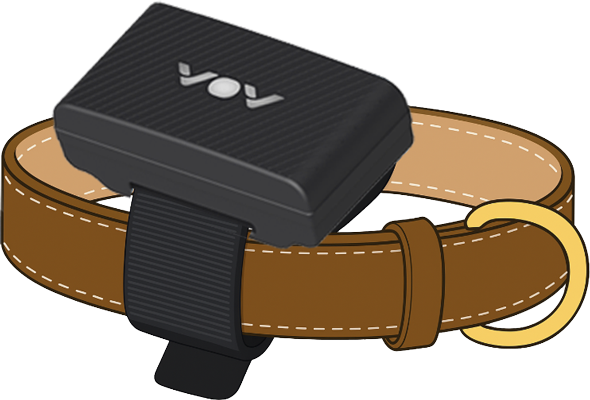
The image below is a diagram illustrating the operation of your Pet GPS Tracker.
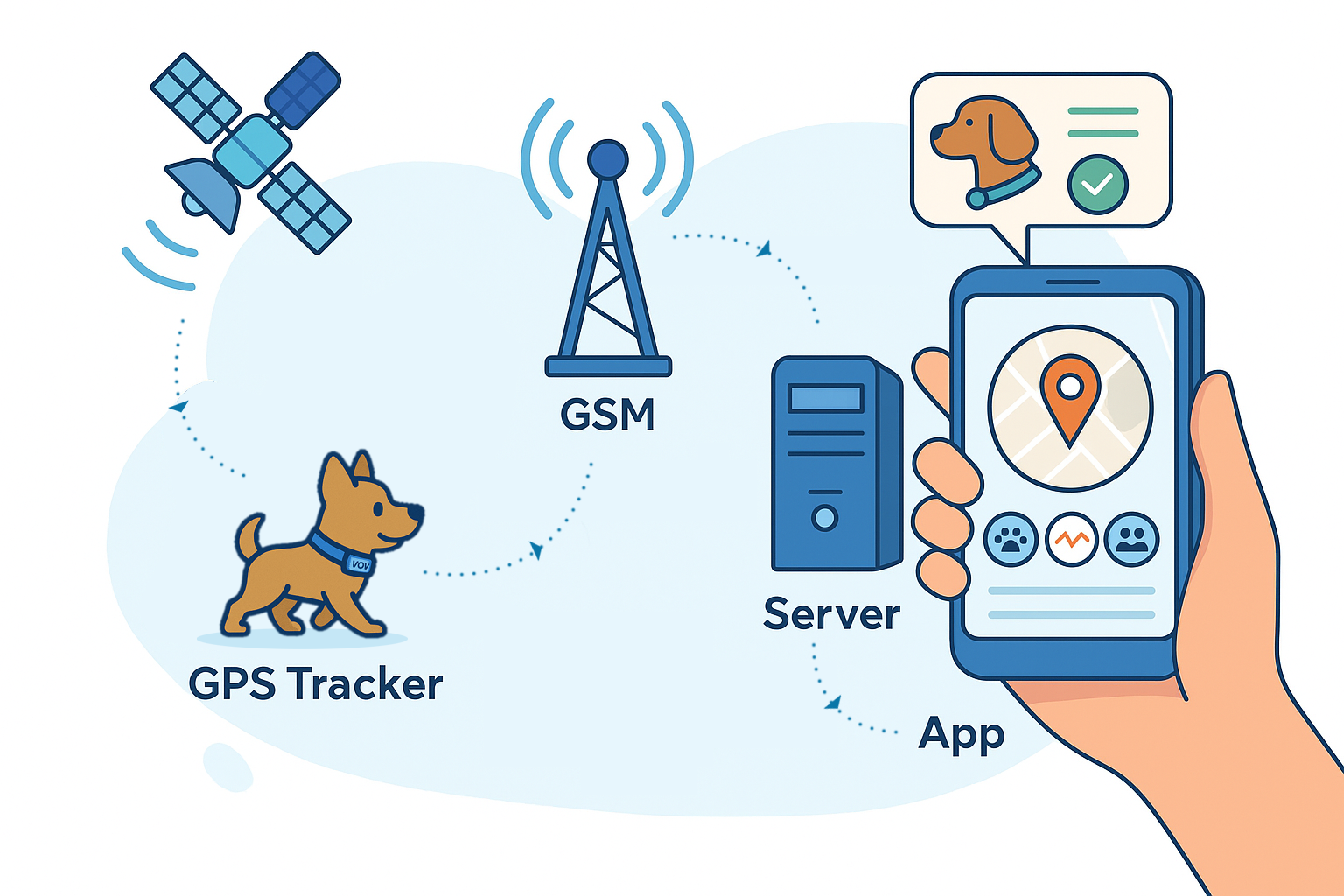
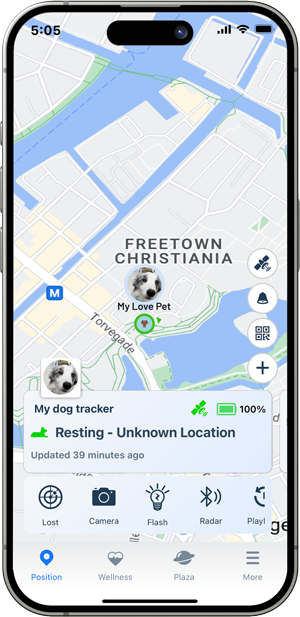
The Pet GPS Tracker relies on GPS signals and 4G network to function properly. You can check the device’s current status through the light on the Pet Tracker and the device status page in the app.
The image below shows the Tracker status page in the app, where you can view the GPS signal and network signal status.
You can also check the light on the tracker to confirm its current status. Below is an explanation of the light status on the Tracker:
| LED Behavior | Status Description |
|---|---|
| 🔴 Flash Red | Charging in progress |
| 🔴 Solid Red | Fully charged |
 Battery Status: You can tap the battery icon on the main page to set the working mode (Balanced mode, Power Saving mode, Performance mode, or Lost mode).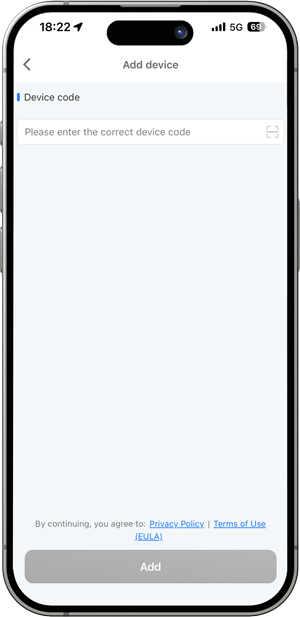
💡Note: The IMEI number and QR code are printed on the back of the tracker.
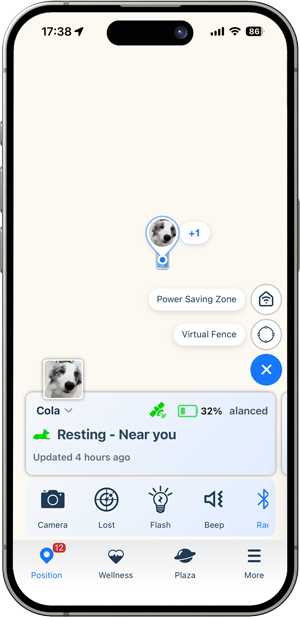
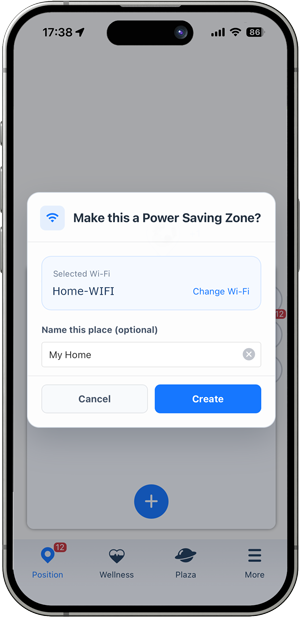
💡Note: The Wi-Fi networks (SSIDs) shown in the app are networks that your phone is currently connected to or has connected to in the past.
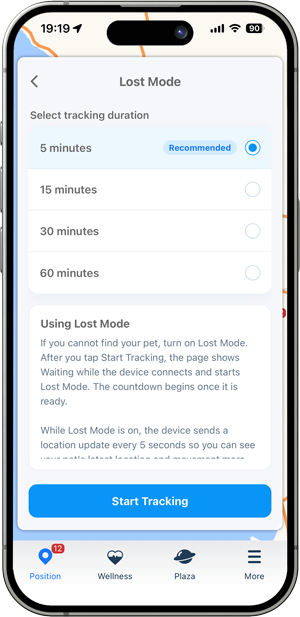
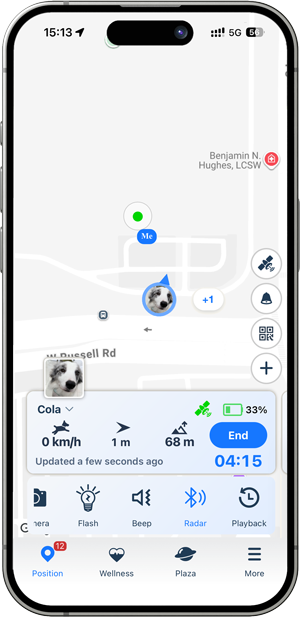
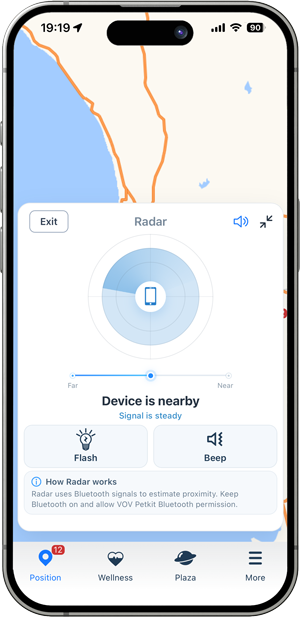
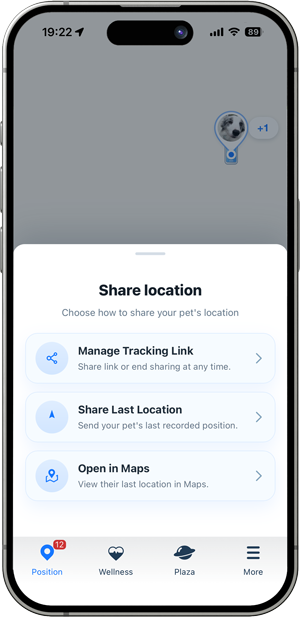
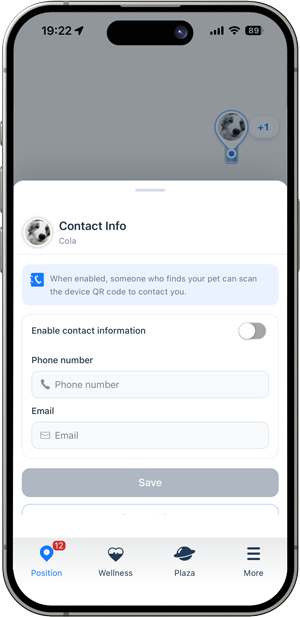
💡Note: The QR code are printed on the back of the tracker. If someone finds your pet, they can scan the QR code on the tracker to view your contact information.
Welcome Back 👋
Sign in to access your account and continue where you left off.
Welcome aboard 🚀
Create your account to access everything you need.